



Central de Suporte
Suporte ao produto
H3
Encontre guias de produtos, respostas para solução de problemas, manuais e suporte ao cliente.
Vídeo de suporte
Perguntas frequentes
Por que o aplicativo QCY solicita acesso à localização?
O aplicativo em si normalmente não precisa de acesso à localização. No entanto, quando o Bluetooth Low Energy (BLE) é usado para localizar seus fones de ouvido, o Android exige a permissão de localização.
Se você preferir não compartilhar sua localização, feche o aplicativo e tente fazer o emparelhamento novamente.
Por que o aplicativo QCY solicita acesso à localização?
O aplicativo em si normalmente não precisa de acesso à localização. No entanto, quando o Bluetooth Low Energy (BL) é usado para localizar seus fones de ouvido, o Android exige acesso à localização
autorização.
Se você preferir não compartilhar sua localização, feche o aplicativo e tente fazer o emparelhamento novamente.
Como usar a função de localização de fones de ouvido?
Os fones de ouvido só podem ser usados quando estiverem conectados tanto ao Bluetooth do celular quanto ao aplicativo.
1. Abra o aplicativo QCY, acesse 'Configurações” e toque no recurso de localização dos fones de ouvido para ver a localização exata deles.
2. Toque para reproduzir um som e localizar os fones de ouvido ouvindo o áudio.
O que fazer se a atualização do firmware falhar?
1. Verifique se há problemas com o sinal de rede, como o sinal de celular ou o sinal de Wi-Fi.
2. Procure não sair da página de atualização em segundo plano durante o processo de atualização.
Como atualizar o firmware dos seus fones de ouvido?
1. Conecte seus fones de ouvido ao aplicativo QcY.
2. Acesse Configurações - Atualização de firmware.
3. Toque em “Atualizar”.
4. Se nenhuma atualização de firmware for exibida, isso significa que seu firmware já está atualizado.
A bateria dos meus fones de ouvido acaba muito rápido. O que posso fazer?
Isso pode ser causado por um método de recarga incorreto.
Esvazie completamente a bateria dos seus fones de ouvido e, em seguida, recarregue-os usando um carregador de 5 V por cerca de duas horas.
Como faço para verificar o nível de carga da bateria do fone de ouvido?
Emparelhe o fone de ouvido com o aplicativo QcY no seu celular para verificar o nível da bateria.
Para baixar o aplicativo, basta procurar por "QCY" na sua loja de aplicativos.
Por que meus fones de ouvido não ligam?
1. Certifique-se de que os fones de ouvido estejam carregados.
2. Verifique se as pontas auriculares estão instaladas corretamente.
3. Se os fones de ouvido ainda não ligarem após o carregamento, entre em contato com nossa central de atendimento.
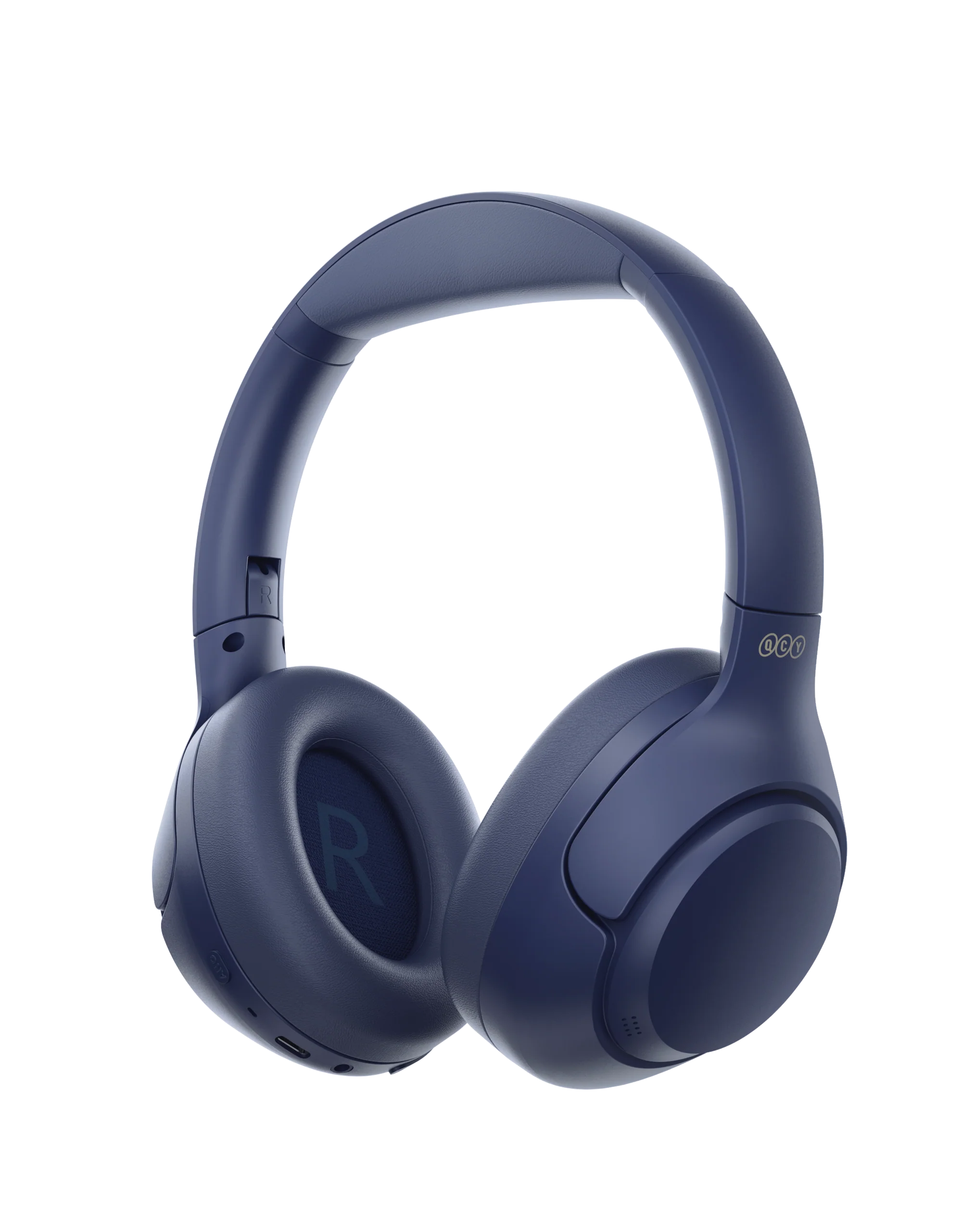
Como emparelhar o H3?
1. Pressione e mantenha pressionado o botão multifuncional por 2 segundos para ligar; os fones de ouvido entrarão automaticamente no modo de emparelhamento.
2. Ative o Bluetooth no seu dispositivo.
3. Selecione "QCY H3" na lista de dispositivos disponíveis.
Como posso ativar a conexão multiponto?
Para conectar dois dispositivos:
1. Emparelhe os fones de ouvido com o dispositivo A.
2. Desative o Bluetooth no dispositivo A, e os fones de ouvido entrarão no modo de emparelhamento.
3. Emparelhe os fones de ouvido com o dispositivo B.
4. Reative o Bluetooth no dispositivo A e reconecte-se aos fones de ouvido.
Após essa configuração inicial, os fones de ouvido se conectarão automaticamente aos dois dispositivos na próxima vez.
Como reiniciar os fones de ouvido?
Para reiniciar o H3:
1. Pressione e mantenha pressionados os botões VOL+ e VOL- por 10 segundos
2. O LED dos fones de ouvido piscará em vermelho 3 vezes, indicando que a reinicialização foi bem-sucedida.
Como usar uma conexão com fio no H3?
O H3 suporta tanto a reprodução com fio de 3,5 mm quanto a reprodução com fio via Type-C (o cabo Type-C incluído não pode ser usado para reprodução; é necessário utilizar um cabo com capacidade de transferência de dados).
H3 A reprodução com fio de 3,5 mm não permite ativar o microfone dos fones de ouvido.
A reprodução com fio H3 Type-C permite ativar o microfone dos fones de ouvido.
Como retirar os protetores auriculares para limpeza.
Use a mão esquerda para ajustar os fones de ouvido e a mão direita para controlar o fone de ouvido. Gire os fones de ouvido no sentido anti-horário com a mão esquerda para removê-los
eles.
Como devo cuidar do meu fone de ouvido?
1. Use seus fones de ouvido regularmente para evitar a descarga excessiva da bateria. Procure usá-los pelo menos uma vez por mês.
2. Carregue os fones de ouvido após cada uso e não espere até que a bateria caia para menos de 20% para recarregá-los.
3. Evite puxar a faixa de cabeça dos fones de ouvido durante o uso para evitar que se quebrem.
Como alternar entre os modos ANC, transparência e normal?
Você pode alternar entre os modos dentro do aplicativo: Caminho: Dispositivo -- Som -- Ativar o cancelamento de ruído.
Como alternativa, você pode alternar entre os diferentes modos pressionando o botão ANC
O que devo fazer se o fone de ouvido funcionar normalmente, mas não conseguir gravar minha voz?.
Por favor, use a função de gravação integrada do seu celular para verificar se é possível gravar som.
Não utilize outros aplicativos para realizar essa operação, pois isso pode desativar o microfone do fone de ouvido.
Ao fazer ou receber chamadas, é necessário definir o fone de ouvido como dispositivo padrão para receber chamadas.
O que posso fazer se os fones de ouvido tiverem baixa qualidade de som?
Experimente diferentes tipos de música e certifique-se de que a fonte de áudio de entrada não apresente distorção ou outros ruídos
Experimente os diferentes modos de equalização no aplicativo OCY e personalize a equalização do jeito que você preferir
O que é o cancelamento adaptativo de ruído?
Monitoramento em tempo real das mudanças no ambiente e do vazamento de áudio para ajustar os recursos de cancelamento de ruído. Com o cancelamento adaptativo de ruído, você pode desfrutar do efeito ideal de redução de ruído e da máxima tranquilidade. Observe que esse recurso está desativado por padrão e pode ser ativado pelo aplicativo QCY.
Manuais
Ainda precisa de ajuda?
 Ligue para nós+1 (917) 807-6754
 Enviar comentáriosEnvie aqui
 Converse conosco
 Atendimento ao Clienteservice@qcyearphone.com
 Marketing e Parceriasrice@qcyearphone.com
 Contato para a imprensapr@qcyearphone.com