



サポートセンター
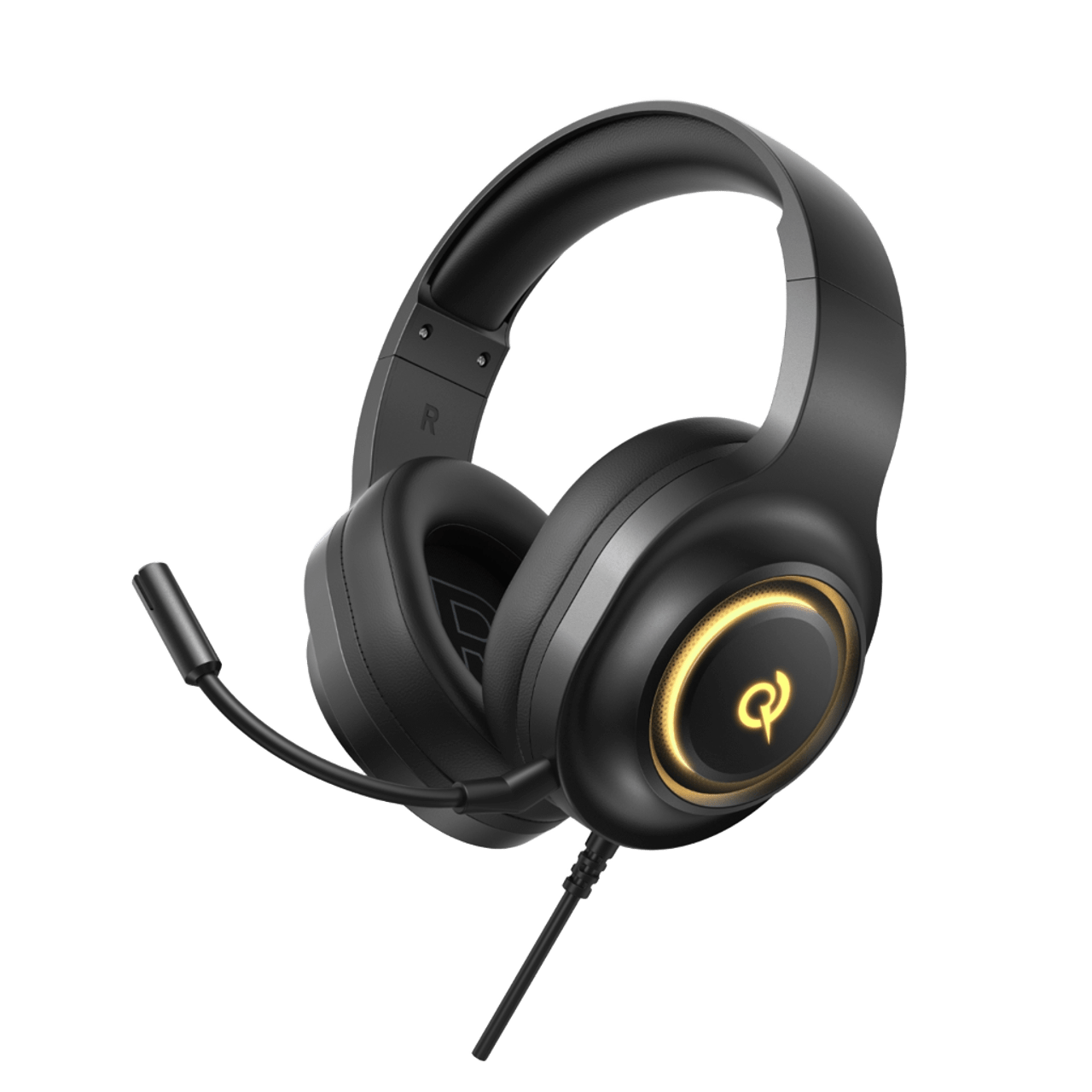
V200 Pro
製品ガイド、トラブルシューティングの解決策、取扱説明書、およびカスタマーサポートをご覧ください。.
よくある質問
ファームウェアの更新方法は?
QCYアプリでファームウェアを更新してください。更新する前に:
1. ヘッドホンのバッテリー残量が少なくとも20%以上あることを確認してください。.
2. 両方のイヤホンがQCYアプリに接続されていることを確認してください。.
3. アップデート中はイヤホンを使用しないでください。.
4. 充電ケースの蓋を開けたまま、イヤホンをケースに入れておいてください。.
H4GM Proのドライバーをパソコンにインストールするにはどうすればよいですか?
1. 2.4GBのドングルをコンピュータに差し込んでください。.
2. 以下のリンクをクリックして、ドライバーをダウンロードしてください:Heroad V200 Pro PC ドライバー(バージョン 20250813)
3. クリックしてダウンロードしてください。.
このヘッドホンのバッテリー持続時間はどれくらいですか?
80時間
ヘッドホンを外すと、なぜ自動的に電源が切れてしまうのですか?
ヘッドホンは、30分間操作がないと自動的に電源が切れます。.
ヘッドフォンがデバイスに接続できない場合は、どうすればよいですか?
1. ヘッドホンと、これまでにペアリングしたすべてのデバイスとのペアリング記録を削除してください。.
2. ヘッドホンと端末を再度ペアリングしてください。.
それでもうまくいかない場合は:
- 別のデバイスとペアリングしてみて、互換性の問題がないか確認してください。.
- Bluetoothの電波を遮る物がないことを確認してください。.
マルチポイント接続を有効にするにはどうすればよいですか?
2つのデバイスを接続するには:
1. ヘッドホンをデバイスAとペアリングします。.
2. デバイスAでBluetoothをオフにすると、ヘッドホンがペアリングモードに入ります。.
3. ヘッドホンをデバイスBとペアリングします。.
4. デバイスAでBluetoothを再度有効にし、ヘッドフォンに再接続します。.
この初期設定が完了すると、次回からはヘッドホンが両方のデバイスに自動的に接続されます。.
ヘッドホンの音質が悪い場合はどうすればよいですか?
以下のトラブルシューティング手順を試してみてください:
- 音声ソースを確認する:さまざまな種類の音楽を試聴し、音声ソースがクリアで、歪みやノイズがないことを確認してください。.
- EQ設定のカスタマイズ:QCYアプリを使って、さまざまなEQモードを試したり、好みに合わせてサウンドプロファイルをカスタマイズしたりできます。.
適応型ノイズキャンセリングとは何ですか?
環境の変化や音漏れをリアルタイムで監視し、ノイズキャンセリング機能を調整します。適応型ノイズキャンセリングにより、最適なノイズ低減効果と最大限の静寂感をお楽しみいただけます。なお、この機能はデフォルトではオフになっており、QCYアプリから有効にすることができます。.
それでもまだお困りですか?
 お電話ください+1 (917) 807-6754
 フィードバックを送信するこちらから送信してください
 チャットでお問い合わせください
 カスタマーサポートservice@qcyearphone.com
 マーケティング・パートナーシップrice@qcyearphone.com
 報道関係のお問い合わせpr@qcyearphone.com