



Centro assistenza
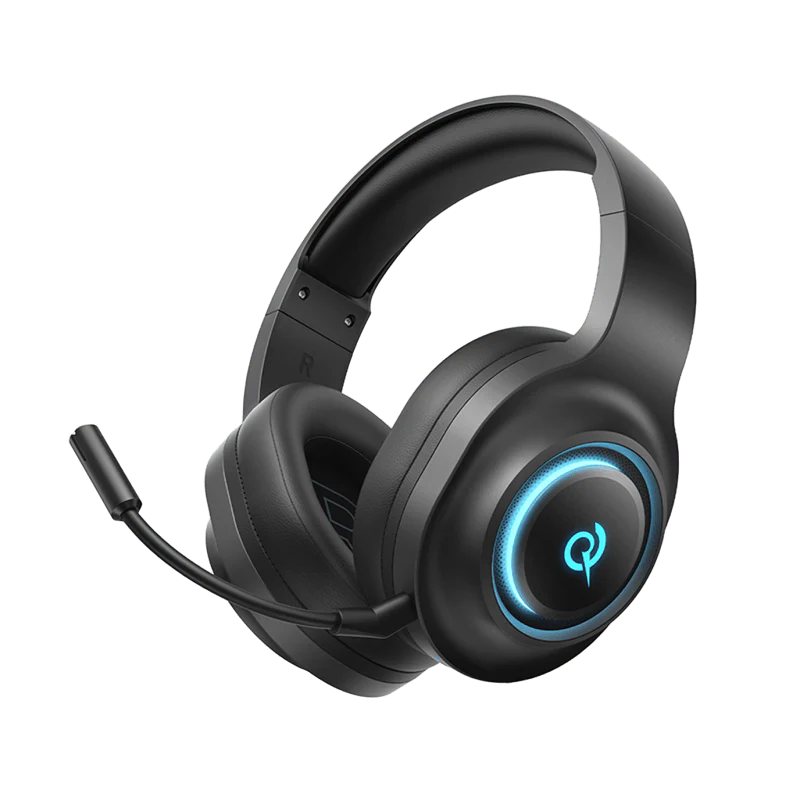
V200 Edizione Tri-Mode
Trova guide ai prodotti, soluzioni ai problemi, manuali e assistenza clienti.
Domande frequenti
Come si installano i driver H4GM su un computer?
1. Inserisci la chiavetta da 2,4 GB nel computer.
2. Clicca sul link qui sotto per scaricare il driver: Driver per PC Heroad V200 Tri-Mode Edition (versione 1.0.0.5)
3. Clicca per scaricare.
Perché le mie cuffie si spengono automaticamente dopo essere state scollegate?
Le cuffie si spengono automaticamente dopo 30 minuti di inattività.
Quanto dura la batteria delle mie cuffie?
80 ore
Come si resetta un paio di cuffie?
Tenere premuto il pulsante multifunzione M per 10 secondi (non è possibile eseguire questa operazione durante la ricarica). Le spie rossa e blu lampeggeranno alternativamente tre volte per indicare che l'operazione è andata a buon fine.
Come si utilizza un collegamento a filo?
Collega le cuffie al computer utilizzando un cavo da 3,5 mm a Type-C.
Come si aggiorna il firmware?
Aggiorna il firmware tramite l'app QCY. Prima dell'aggiornamento:
1. Assicurati che le tue cuffie abbiano una batteria di almeno 20%.
2. Assicurati che entrambi gli auricolari siano collegati all'app QCY.
3. Non utilizzare gli auricolari durante l'aggiornamento.
4. Lascia gli auricolari nella custodia di ricarica con il coperchio aperto.
Come si utilizza l'ANC in modalità cablata?
Collega il computer e le cuffie utilizzando un cavo da USB-A a Type-C.
Hai ancora bisogno di aiuto?
 Chiamaci+1 (917) 807-6754
 Invia un feedbackInvia qui
 Chatta con noi
 Assistenza clientiservice@qcyearphone.com
 Marketing e collaborazionirice@qcyearphone.com
 Richieste della stampapr@qcyearphone.com